

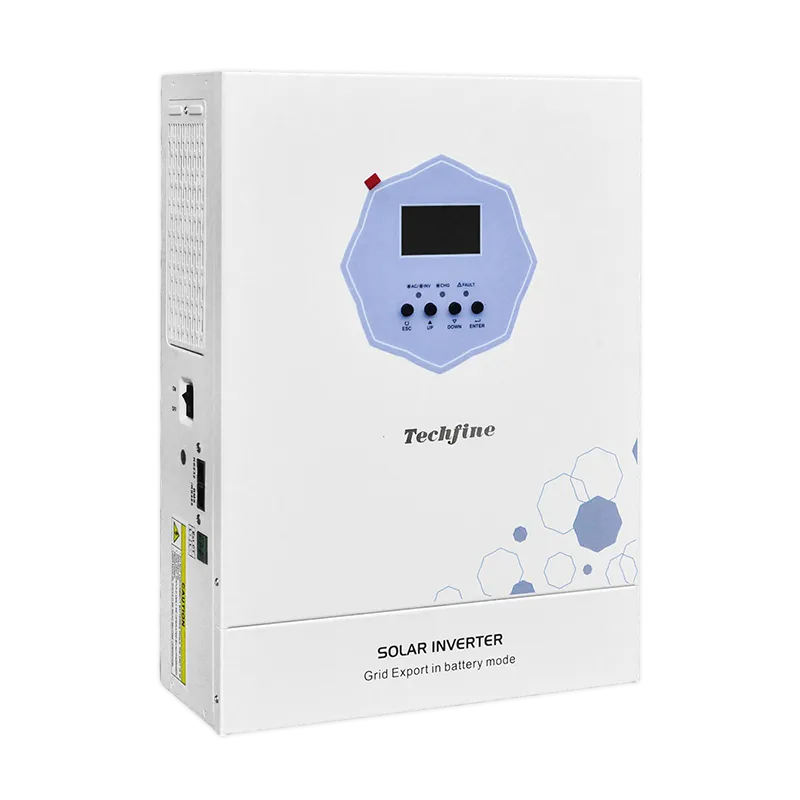
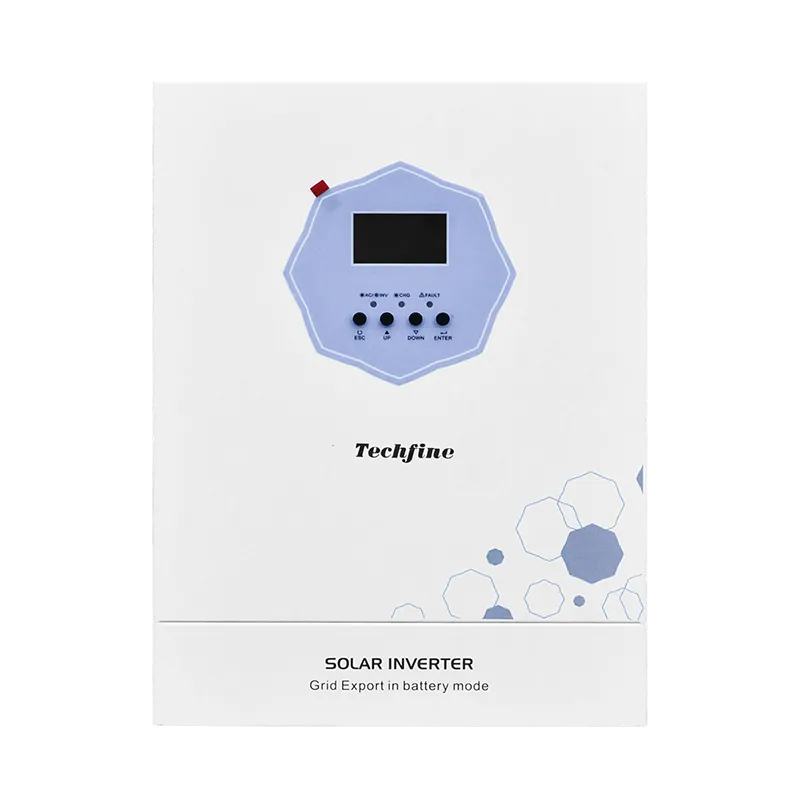
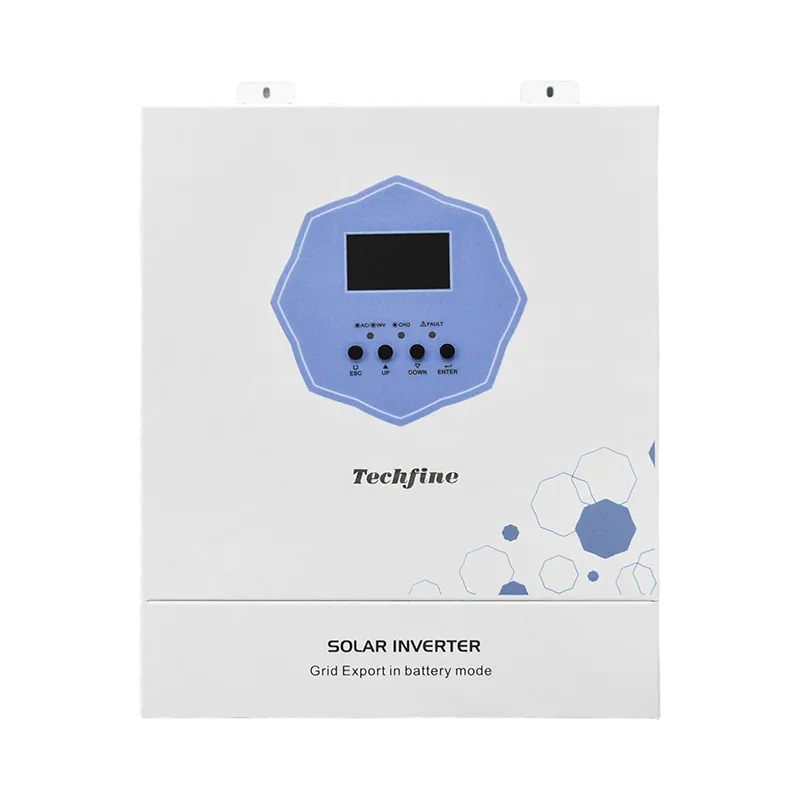
Select an image to explore the QA Series.
SOLAR + STORAGE
QA Series
Hybrid Solar Inverter
Put daytime solar to work on your loads and store energy for later. Choose from five QA inverters. Four include a second output that can pause less urgent loads while the main circuit keeps lighting on.
Solar + AC charging · Adjustable charging current
BUILT AROUND YOUR SYSTEM
Everyday control, built in.
Set charging priorities and check your system at the front panel.
01
Pure sine wave AC
Supply connected AC loads with pure sine wave output. Choose the model capacity to suit your load demand.
02
Charging that fits your battery
Set the charging current and solar / AC charging priority to suit your battery system.
03
System status at a glance
Check solar input, battery status and AC input / output on the front LCD.
DUAL OUTPUT
Keep priority loads on their own circuit
Keep lighting and other essentials on the main output. Put less urgent loads on the second circuit and choose when they disconnect and reconnect. Four of the five QA models offer this control. QA1212MH has a single output.
Set voltage or time-based control directly. For SOC-based control, connect a compatible battery and enable BMS communication.


The main circuit stays on. The second pauses at your chosen cut-off condition.


Both outputs share the inverter’s total rated capacity.
SYSTEM OVERVIEW
Where the power goes
Use solar to power your loads and charge your battery. Bring in utility or generator support when you need it.


Store energy for later. Charge your battery when power is available, then draw on it during battery-powered operation.
Choose the right capacity. Match your connected loads to the output rating of your chosen QA model.
OPERATING PRIORITIES
Which power source comes first?
Solar + utility
Use solar to supply your loads first. Utility power makes up the shortfall when solar generation is insufficient.
Choose utility support when you want to preserve stored energy.
DISPLAY & COMMUNICATION
Display and communication options
INCLUDED
LCD status display
Check operating information and adjust supply and charging settings at the inverter.
OPTIONAL
External WiFi
Add an external WiFi module to monitor a QA inverter equipped with the expansion interface. Requires the expansion interface. QA1212MH has no expansion interface.
BY CONFIGURATION
Lithium battery communication
Connect a battery with matching BMS protocol, firmware and communication wiring to exchange battery status with the inverter. Requires the expansion interface. QA1212MH has no expansion interface.
THE DETAILS, SIDE BY SIDE
Technical specifications
Choose by battery voltage, output demand and solar input. Compare each model below.
TAKE A CLOSER LOOK
Product resources
BEFORE YOU CHOOSE
A few useful answers.
Can I pause one circuit and keep my lighting on?
Yes, on every QA model except the single-output QA1212MH. Keep lighting on the main output and put flexible loads on the second. Both circuits share the inverter’s rated capacity.
Can the QA12048MH supply 12 kW from batteries?
Its battery-mode rating is 11 kW. Use that figure for backup loads. The 12 kW rating applies in PV mode.
What does the 8.5 kW PV figure mean for the QA6248MH?
It is the maximum PV input power. The inverter supplies up to 6.2 kW of AC output in battery or PV mode. Use the PV input limits when choosing panels and the AC rating when sizing loads.
Which accessory do I need for WiFi monitoring?
Choose the external WiFi module for a model with the expansion interface. QA1212MH has no expansion slot.
How can I switch the second output by battery percentage?
All four dual-output QA models can switch the second circuit by voltage, time or battery state of charge. For percentage-based control, connect a compatible battery, enable BMS communication and set the disconnect and recovery levels.